Where was this picture taken?
Inspect raw EXIF GPS tags locally or triangulate architecture, indoor venue clues, and solar shadow angles.


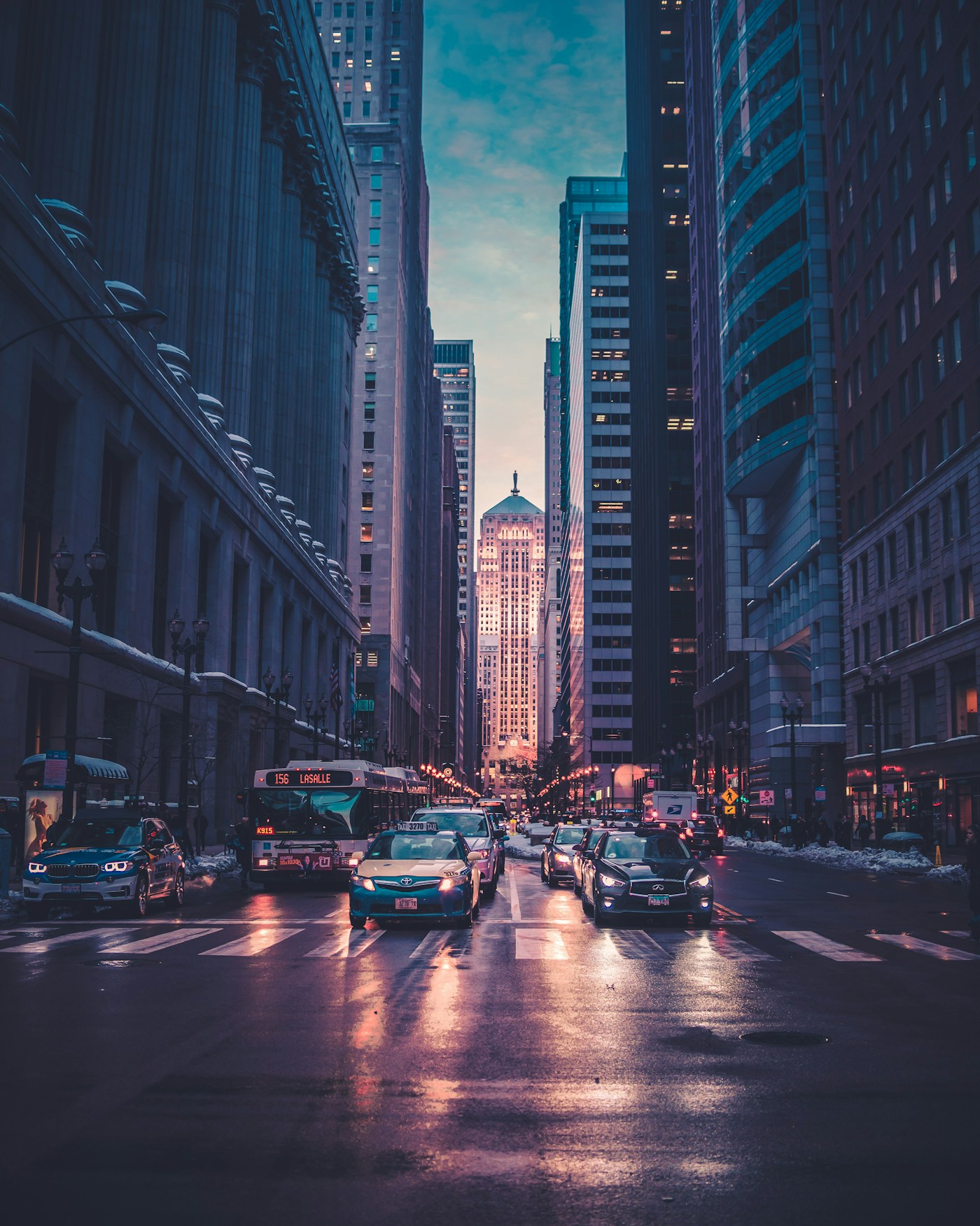
Ocean Drive District, Miami Beach
25.7826° N, 80.1341° W · ±140m radius
Shadow azimuth (248° WSW) and 14.2° solar elevation lock the capture window to 17:22–17:48 EDT on the South Florida coast.
Sabal palmetto crown silhouette and stepped Art Deco cornice narrow the coastline to South Florida.
Low-angle golden reflection across the deck slats matches 25.7° N latitude pre-sunset geometry.
Miami-Dade HVHZ laminated balcony rail profile standard in South Beach coastal properties.
▸ Technical Specifications & Verification FAQ↓
To find where a picture was taken, first inspect its raw binary EXIF GPS header in browser memory. If social platforms stripped the metadata, cross-examine four optical layers: regional utility pole hardware, botanical species, road markings across 240 countries, and solar shadow azimuth.
Can I find where a picture was taken if I downloaded it from social media?
Yes. While Instagram, WhatsApp, and X strip EXIF GPS tags during upload, LocatePic switches to optical triangulation—analyzing architecture, vegetation, road markings, and sun angles to pinpoint the region.
Does checking a picture upload my private file to a public server?
No. Binary EXIF and GPS metadata inspection runs 100% locally inside your browser using ArrayBuffer parsing. Optical calibration is zero-retention.
What picture formats retain the most location metadata?
Original HEIC and JPEG files transferred via AirDrop, USB cable, or email attachment preserve full GPS coordinates, altitude, and magnetic compass bearing.