How to Find Where a Photo Was Taken
Master the 5-step OSINT & cartographic protocol—from 0ms binary EXIF inspection to horizon ridge fitting and solar azimuth math—with our live workbench.


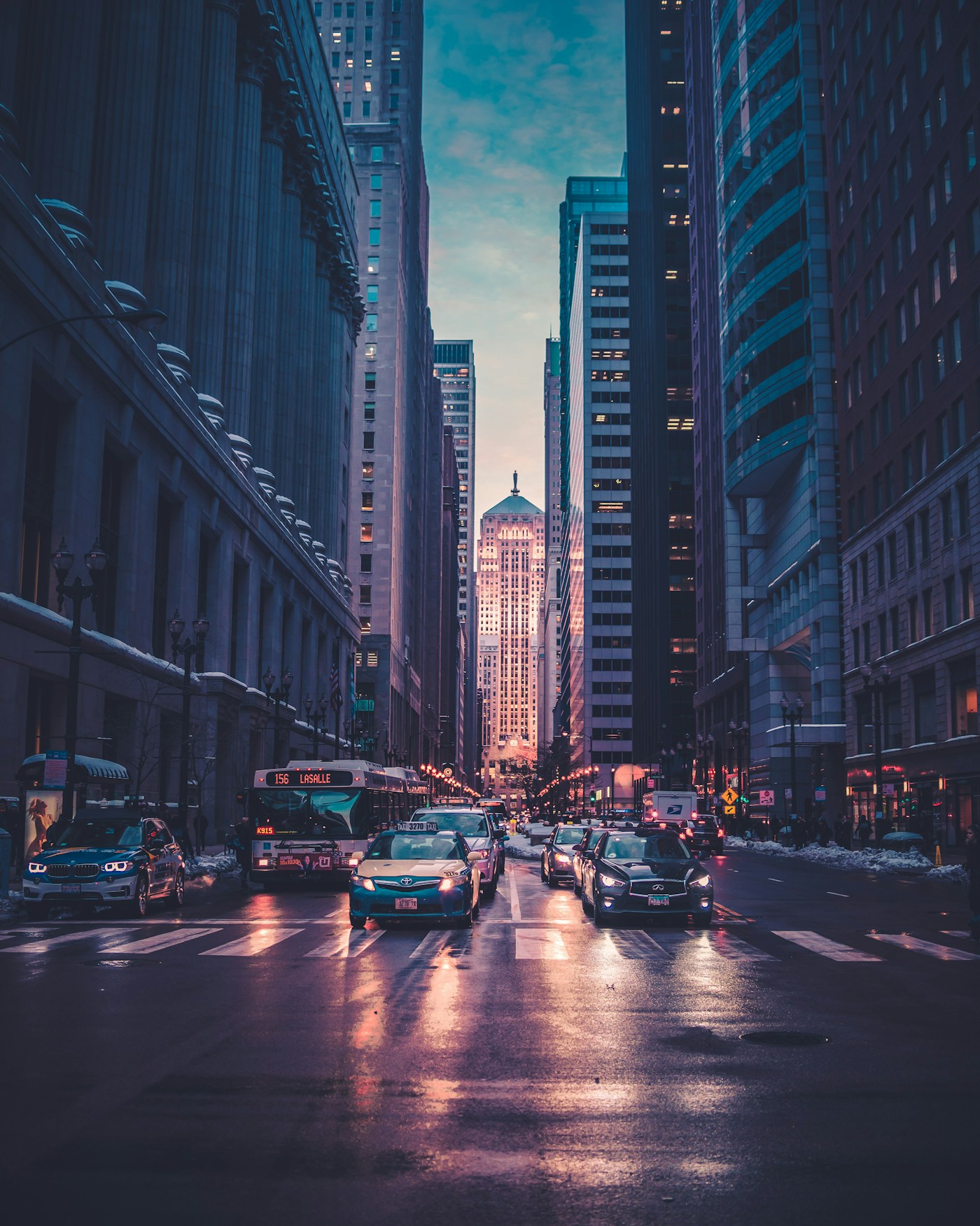
Ocean Drive District, Miami Beach
25.7826° N, 80.1341° W · ±140m radius
Shadow azimuth (248° WSW) and 14.2° solar elevation lock the capture window to 17:22–17:48 EDT on the South Florida coast.
Sabal palmetto crown silhouette and stepped Art Deco cornice narrow the coastline to South Florida.
Low-angle golden reflection across the deck slats matches 25.7° N latitude pre-sunset geometry.
Miami-Dade HVHZ laminated balcony rail profile standard in South Beach coastal properties.
▸ Technical Specifications & Verification FAQ↓
To find where a photo was taken, follow five sequential steps: 1) Inspect binary EXIF/XMP metadata for GPS tags, 2) Audit driving side and utility hardware, 3) Classify biome flora and rock geology, 4) Fit mountain horizons to 30m DEM data, and 5) Verify latitude via solar shadow azimuth.
What should I check first when trying to find where a photo was taken?
Always run a binary EXIF check first using the workbench above. Nearly 40% of original smartphone and camera files still contain exact GPS coordinates or camera timezone offsets.
How do professional OSINT investigators find locations without EXIF data?
Investigators combine macro-filters (sun hemisphere, driving side, vegetation climate belt) with micro-anchors (bridge pier span, power pole insulator layout, and skyline DEM profiles) until only one road segment on Earth fits all constraints.
How can I calculate latitude from shadows in a photo?
Use our built-in Solar Shadow Calculator (/solar-shadow-calculator): enter the capture timestamp and the ratio of object height to shadow length to compute the sun elevation angle and corresponding latitude band.